FEATURE 01
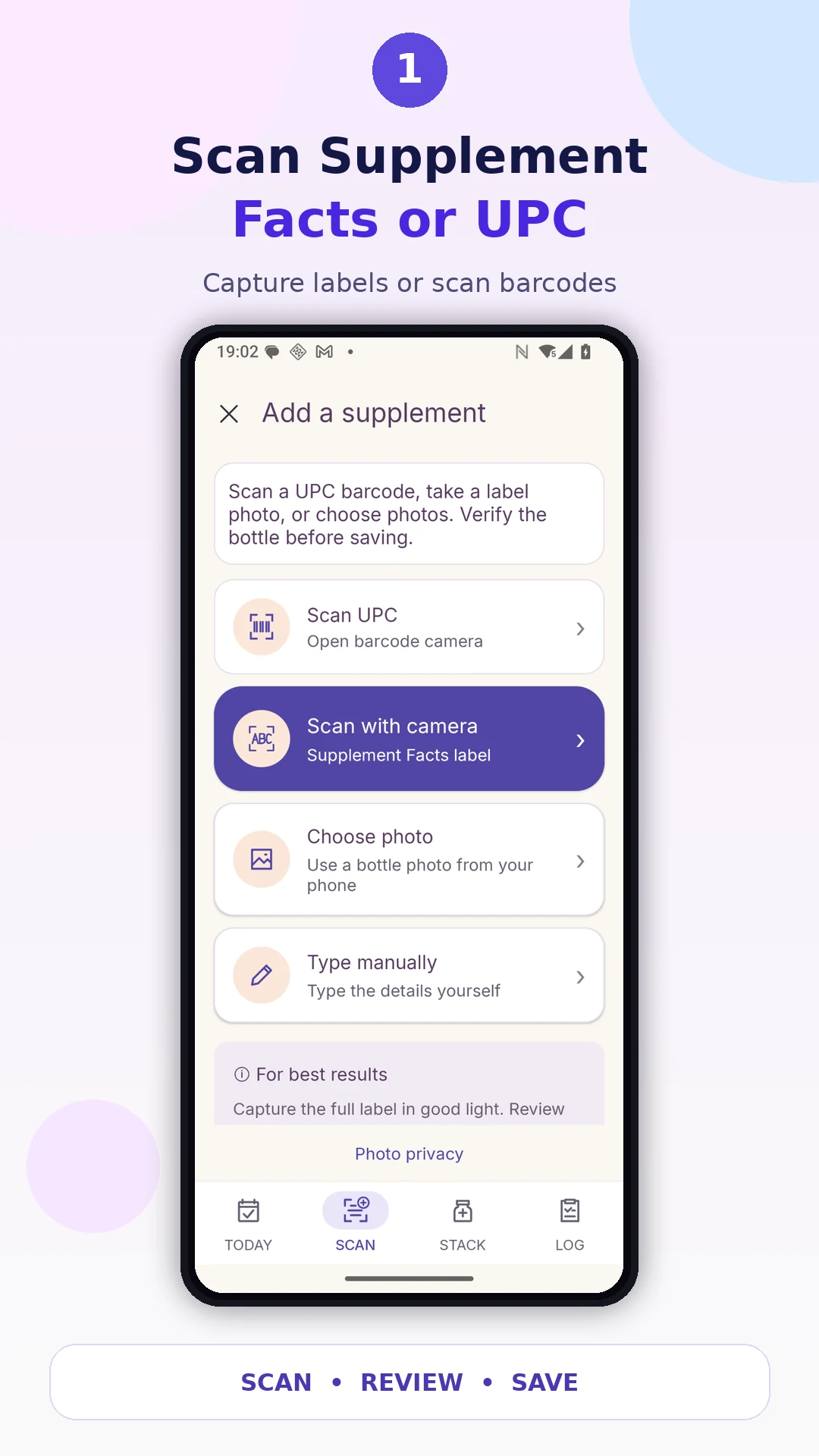
Scan Supplement Facts or UPC
Scan a barcode or capture a label photo to start adding a supplement.
Scan Supplement Facts or UPC barcodes, organize your supplements, track your routine, and see nutrient totals — all in one place.
From the first scan to your daily routine, these are actual app screens and promotional previews. Always review scanned information against the product label.
Scan a barcode or capture a label photo to start adding a supplement.
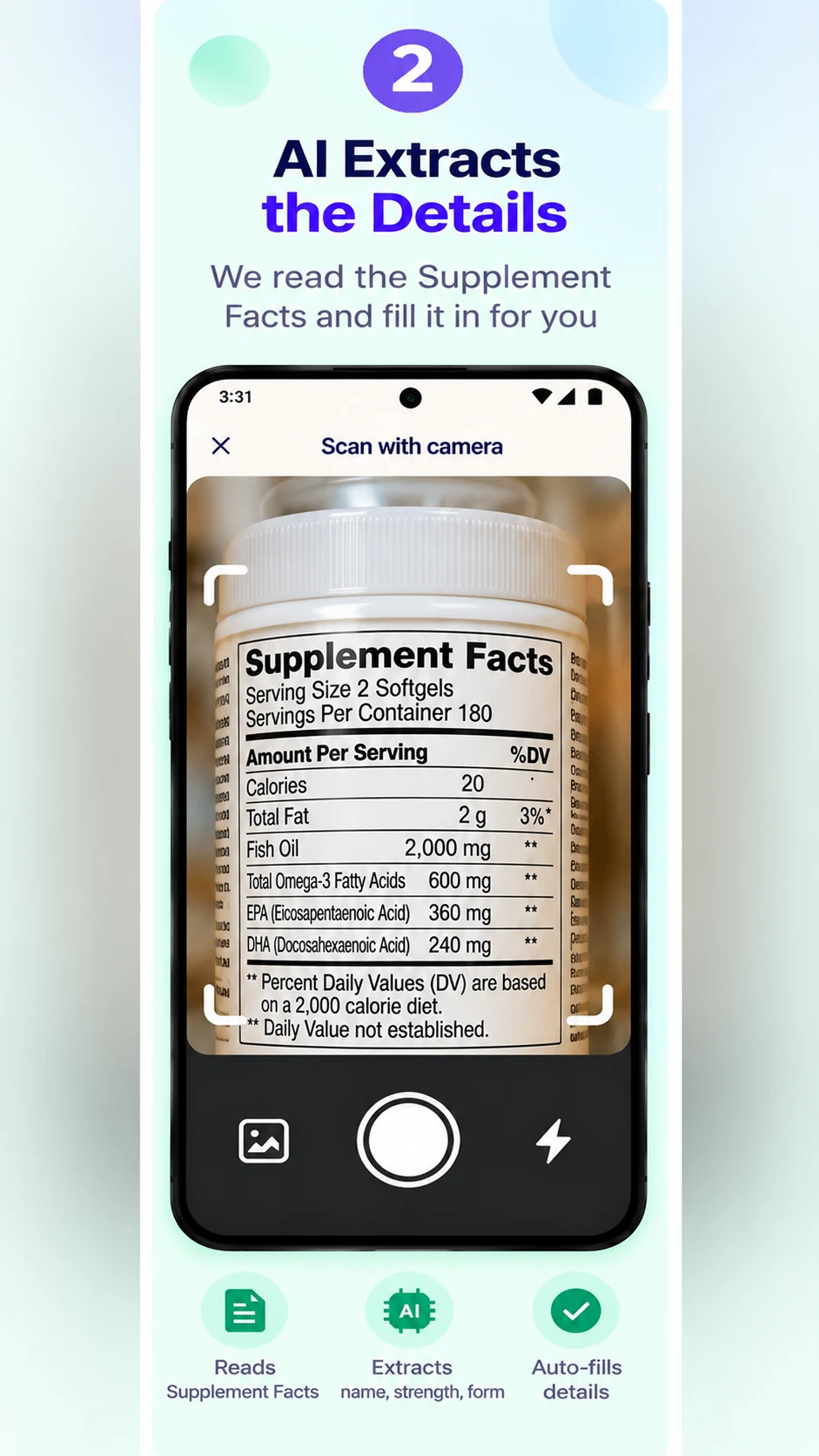
Review AI-extracted Supplement Facts and correct anything before saving.
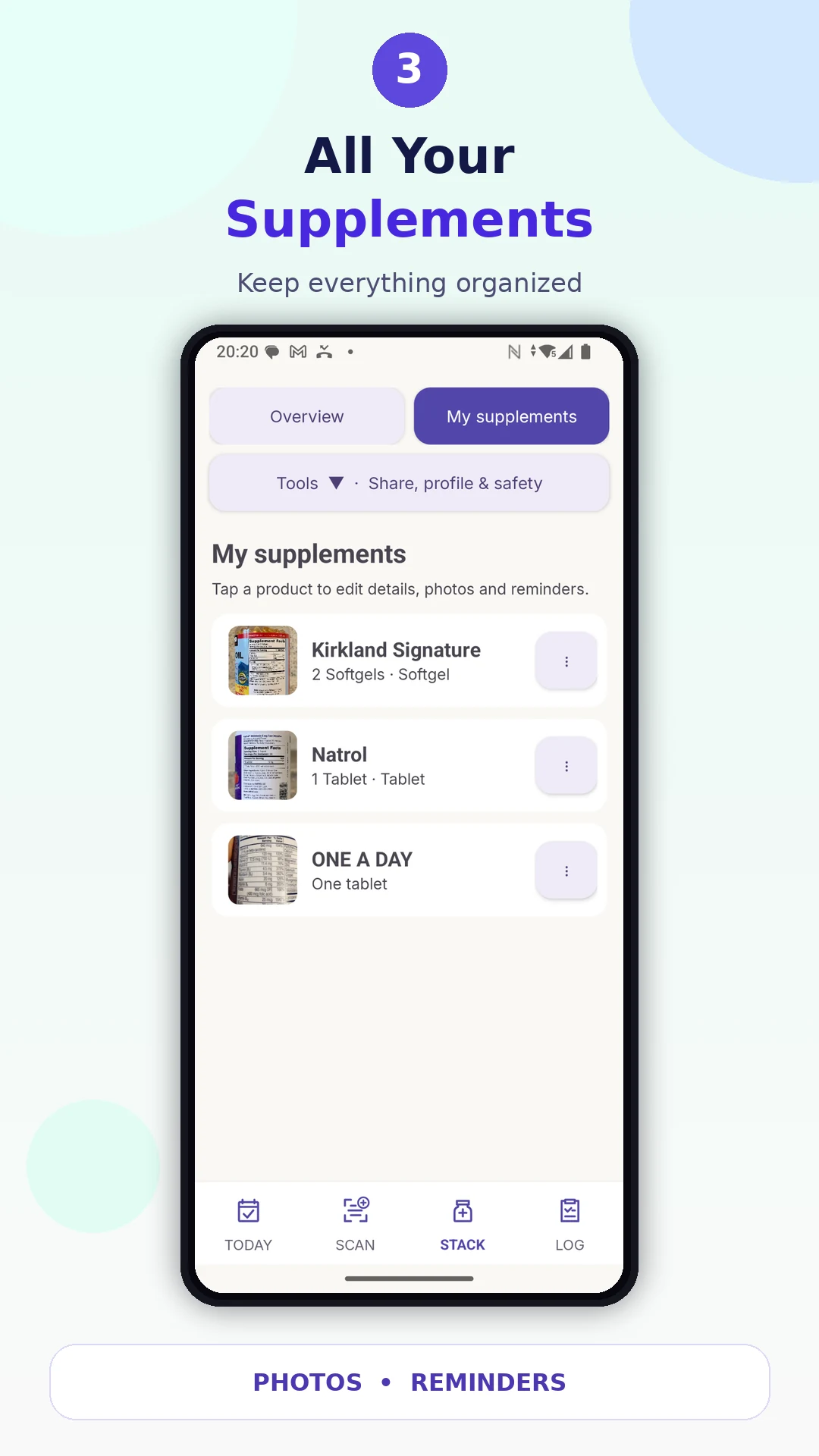
Keep your bottles, details, photos, and reminders organized.
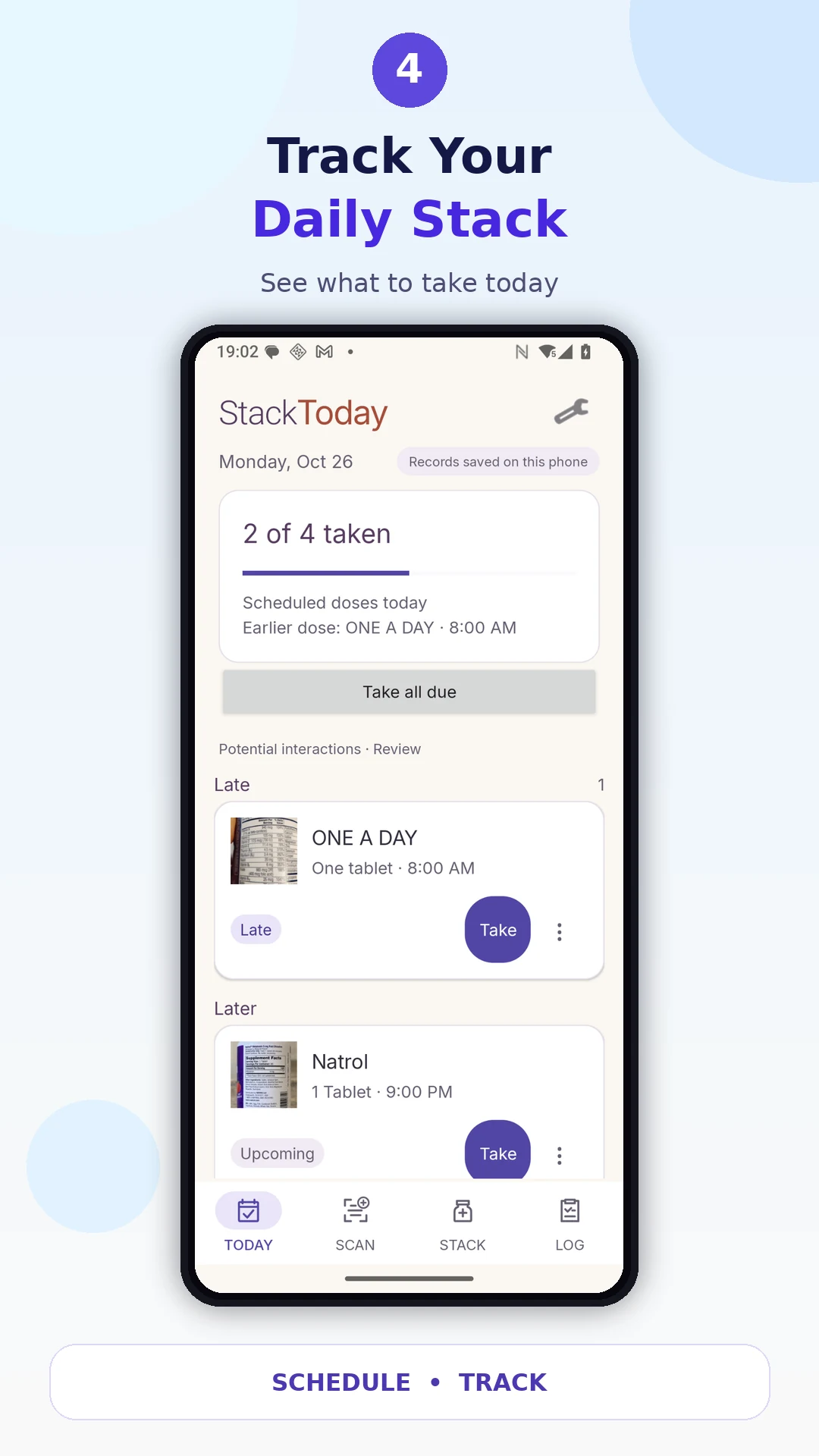
See scheduled supplements and record doses as you take them.
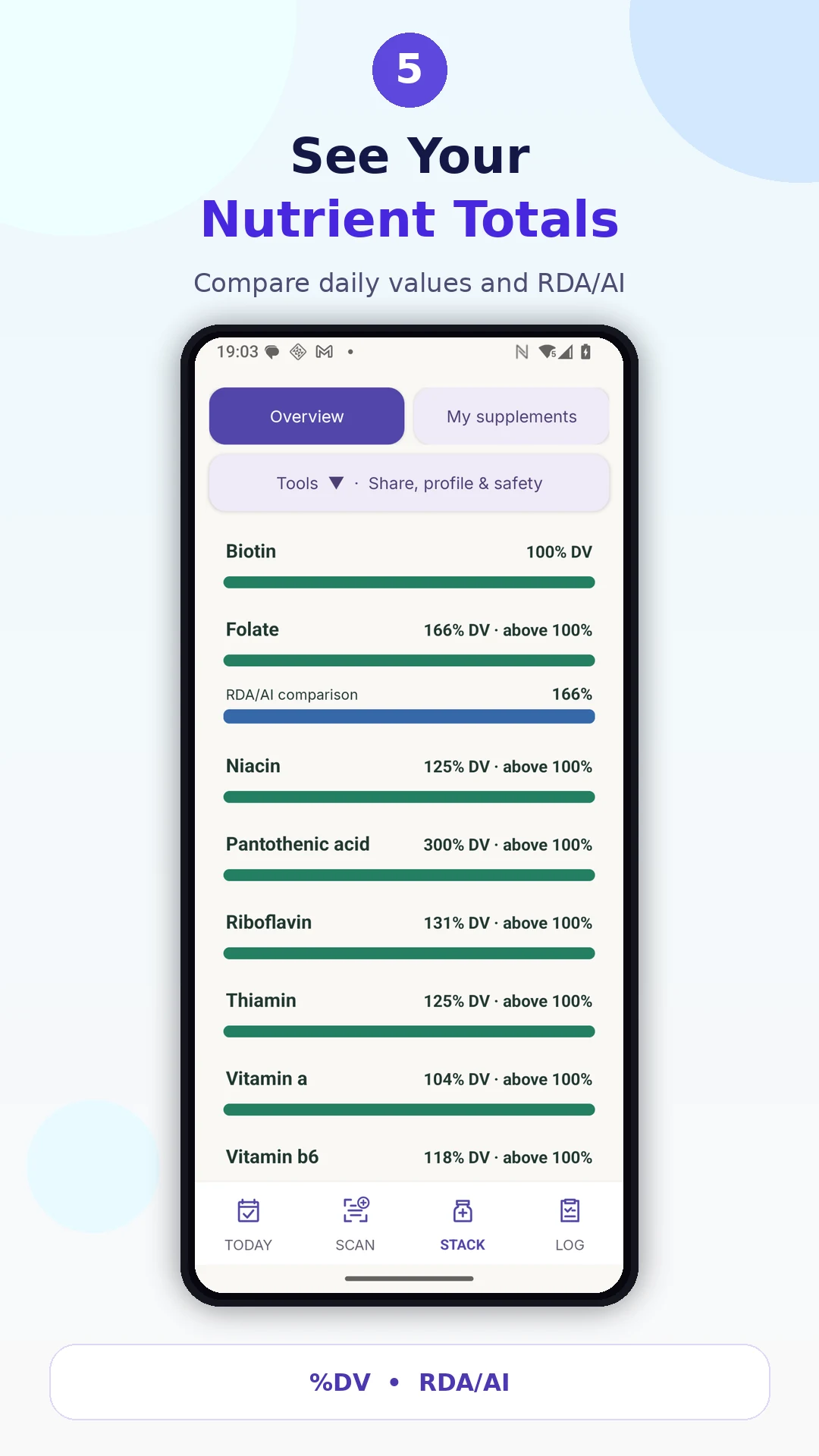
Compare your supplement intake with Daily Values and RDA/AI references.
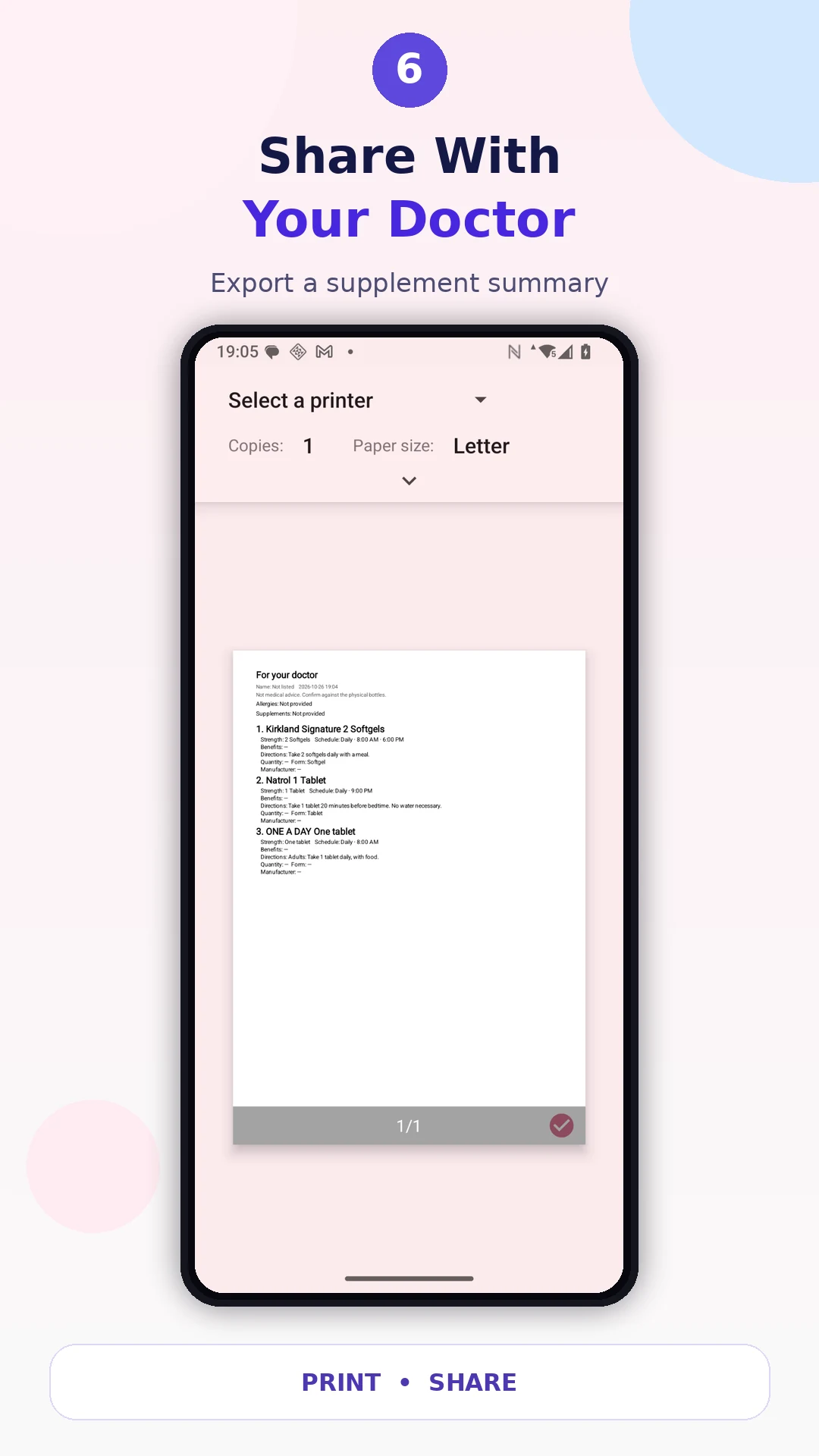
Export a supplement summary or dose log for a healthcare professional.
Start with a Supplement Facts photo or a UPC barcode, review the details, and keep your supplement routine together in StackToday.
AI-extracted details may need corrections. Compare ingredient names and amounts with the label before adding a supplement to your list. Read the StackToday privacy policy for label scanning and stored records.
Use reminders and dose logs to keep your routine in view, review nutrient totals, and share a supplement summary with a healthcare professional. StackToday supports organization and does not replace medical advice.
For help with scanning or your supplement tracker, visit BrightInside app support.