AI-ASSISTED SCANNING · SOURCE-BACKED INFO

Scan the label.
See where the facts come from.

One scanner for everything your family takes — medicines, supplements, packaged foods, and pet meds. Identify the product, understand what official sources report, and make informed choices with confidence.

Android app · Informational tool, not medical advice

A family at a kitchen table with their golden retriever, a hand holding a phone, and packaged medicines, supplements, food, and a pet medicine box on the counter
FOR THE WHOLE FAMILY

One scanner for everything your family takes, pets included.

Identify medicines, supplements, packaged foods, and pet meds. Understand what official sources report, and make informed choices with confidence.

💊

Medicines

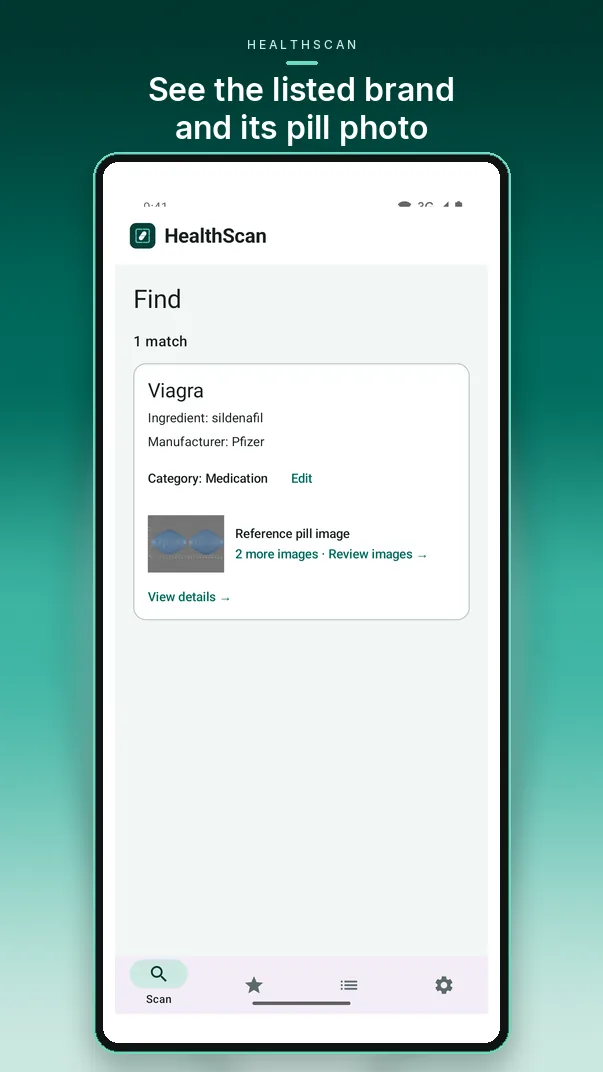
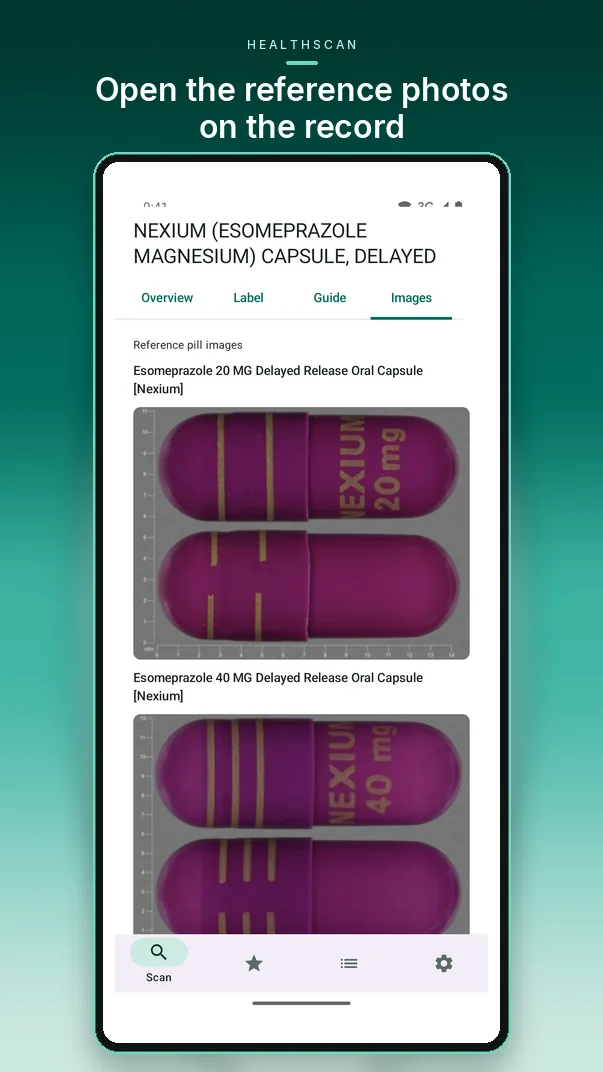
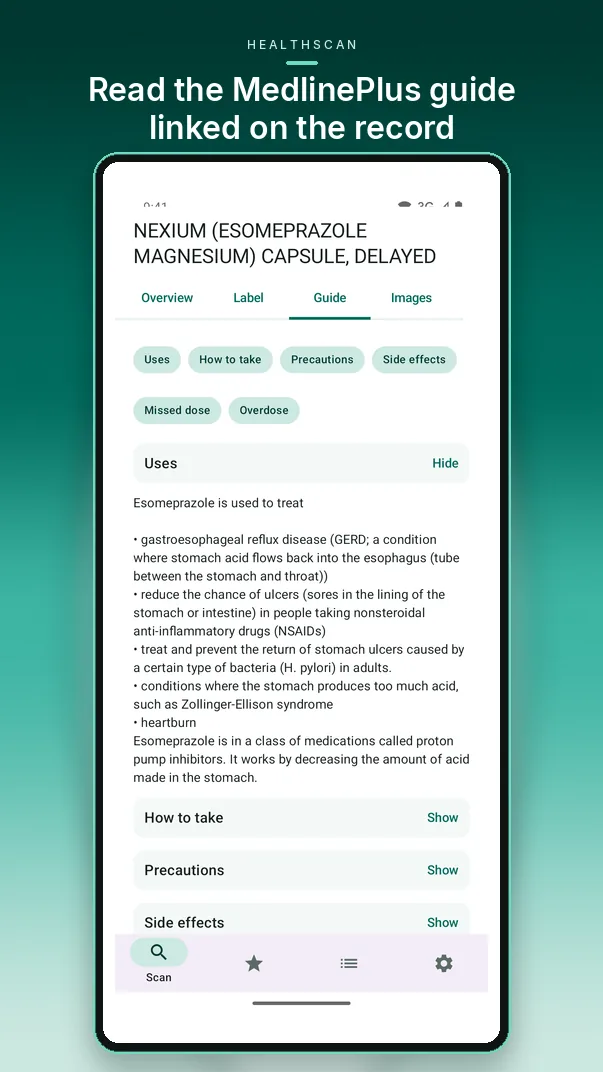
Identify the listed name, maker, form, and reference photos. Read the official MedlinePlus patient guide and FDA label information, including uses, warnings, and interactions from DailyMed.

MedlinePlus · DailyMed · FDA NDC Directory · NLM RxNorm

🌿

Supplements

Understand supplement label facts from the NIH Dietary Supplement Label Database — serving size, listed ingredients including vitamins, amounts, and % Daily Value when the NIH record includes them.

NIH Dietary Supplement Label Database

🥣

Foods

Understand nutrition information from Open Food Facts, including serving size, calories, protein, fat, and carbohydrates when the record reports them.

Open Food Facts

🐾

Pets

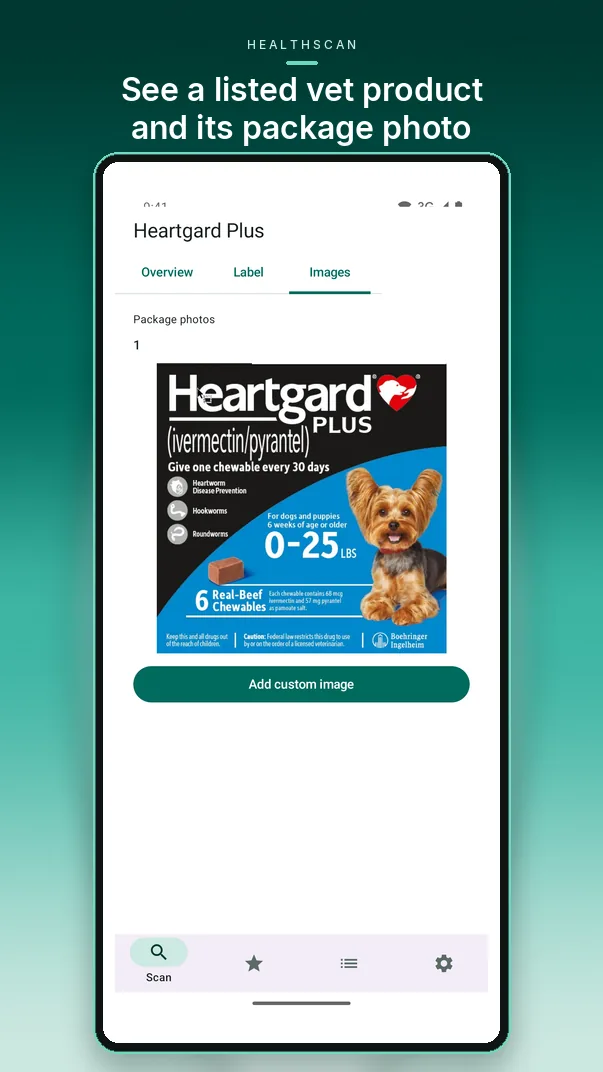
Look up veterinary products your pets take, such as Heartgard, with the listed name and sponsor from FDA Animal Drugs @ FDA. When a DailyMed label or package photo is available, it appears on the record.

FDA Animal Drugs @ FDA · DailyMed

ONE SCANNER FOR EVERYDAY PRODUCTS

Scan, search and review in one place

HealthScan combines barcode scanning, on-device label reading and lookups in connected public reference databases, so you can compare what each source reports.

▥

Barcode and code search

Scan UPC and EAN barcodes with your camera, or type or speak a product name, UPC/EAN or NDC code.

📷

On-device label reading

Take or upload a photo of a label. Text recognition runs on your phone and checks for readable product codes first.

✦

Optional AI suggestions

With your consent, AI can suggest label details when lookups find no usable match. Suggestions stay unverified and are checked against supported databases.

🔗

Source-linked results

Each candidate shows its name, reported manufacturer or brand, identifier and the database that returned it.

💊

Pill ID assist

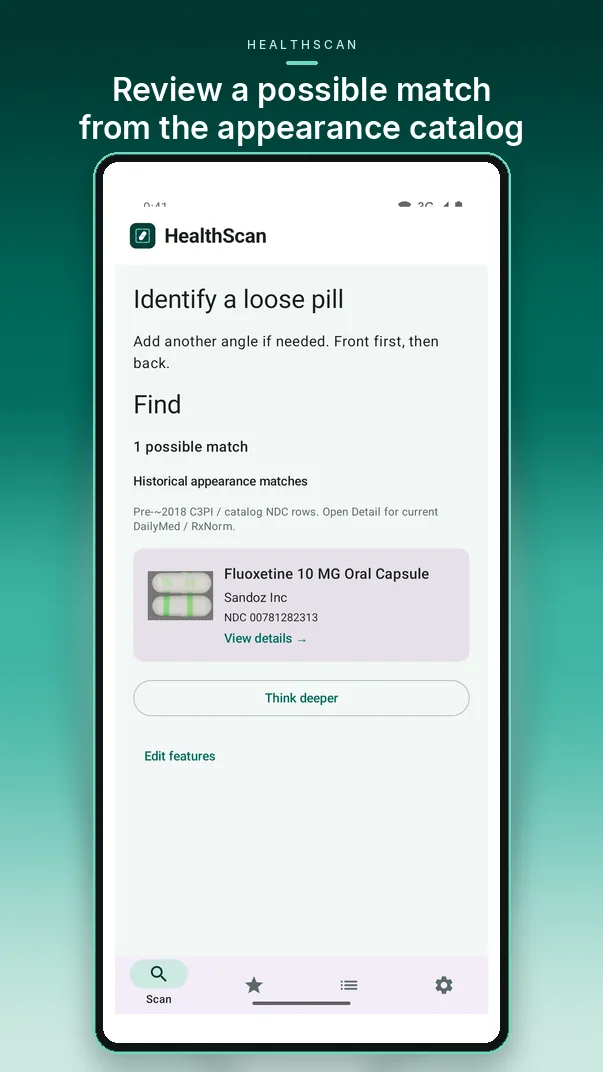
An optional two-step flow: photo-based appearance clues that you review and confirm, then possible names checked against drug reference sources.

🗂

History, favorites and exports

Save results to searchable on-device history, star favorites, add notes, and export a record as JSON, HTML, CSV or PDF.

HOW IT WORKS

From scan to a result you can trace

Three steps, with you in control of what gets saved or shared.

1

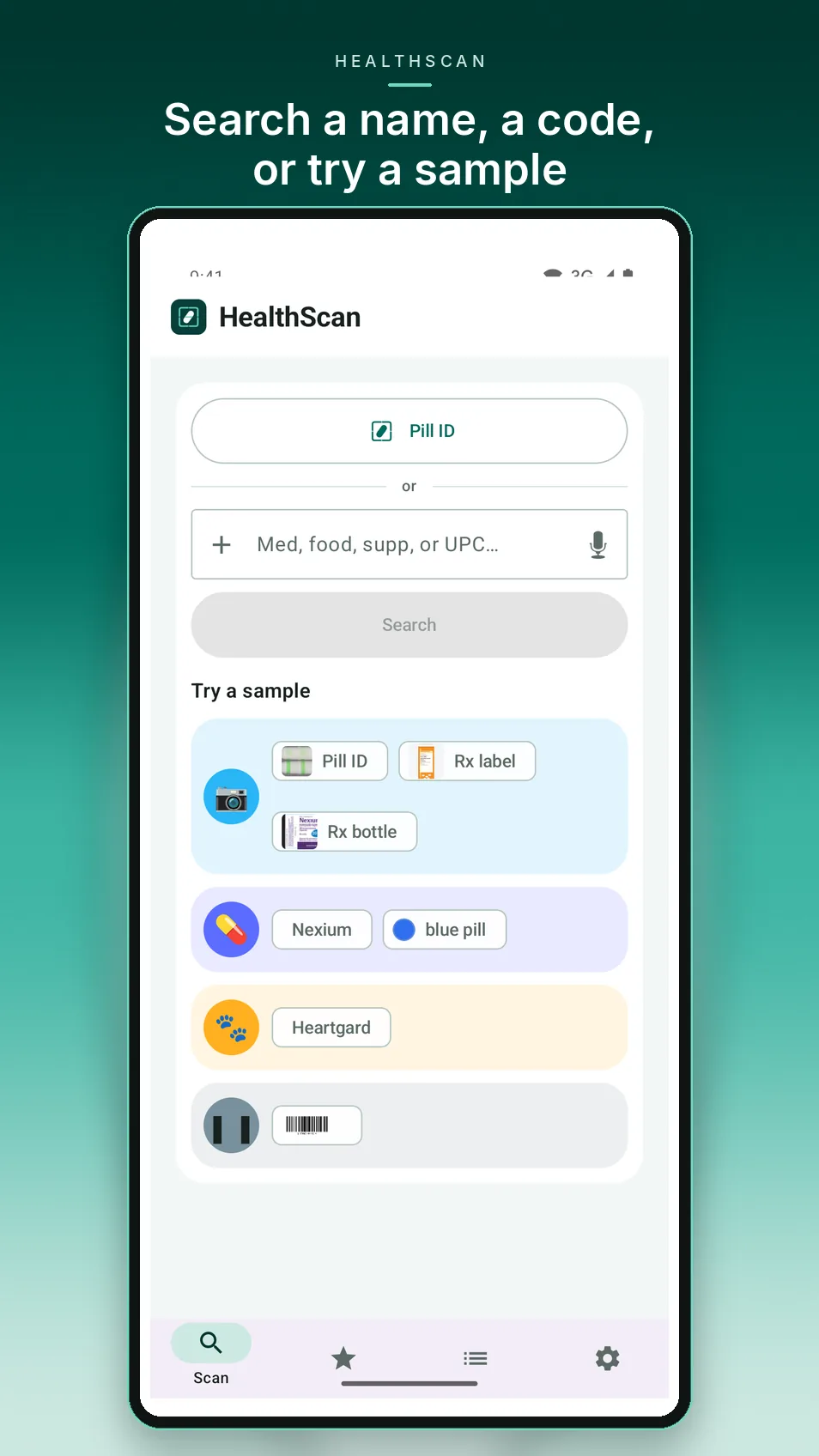
Scan or search

Scan a barcode or product label, or search by code or name.

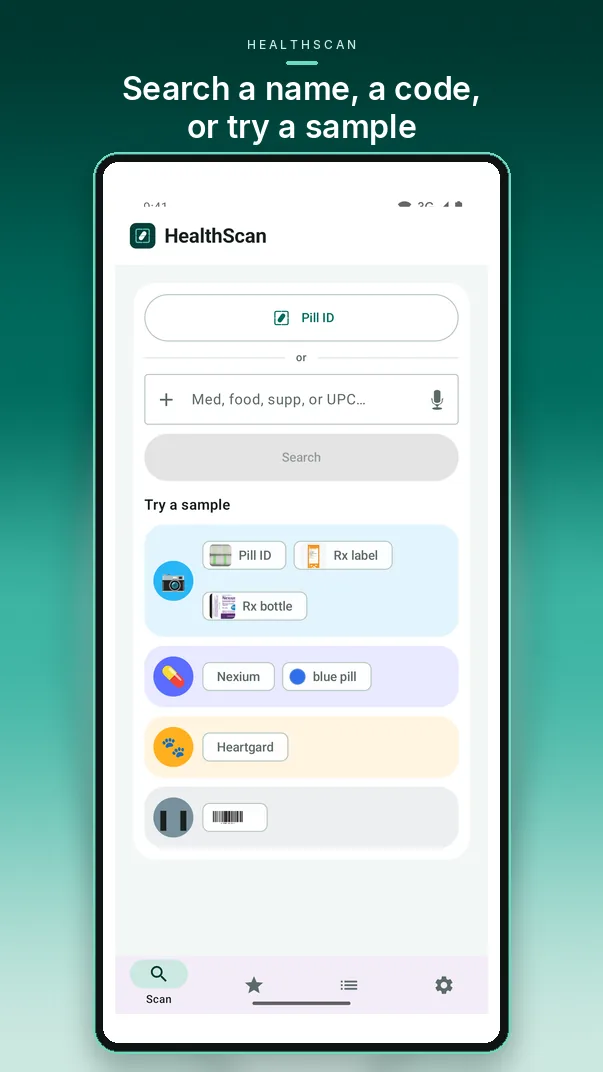
HealthScan search screen with a field for a name or code and sample searches to try
2

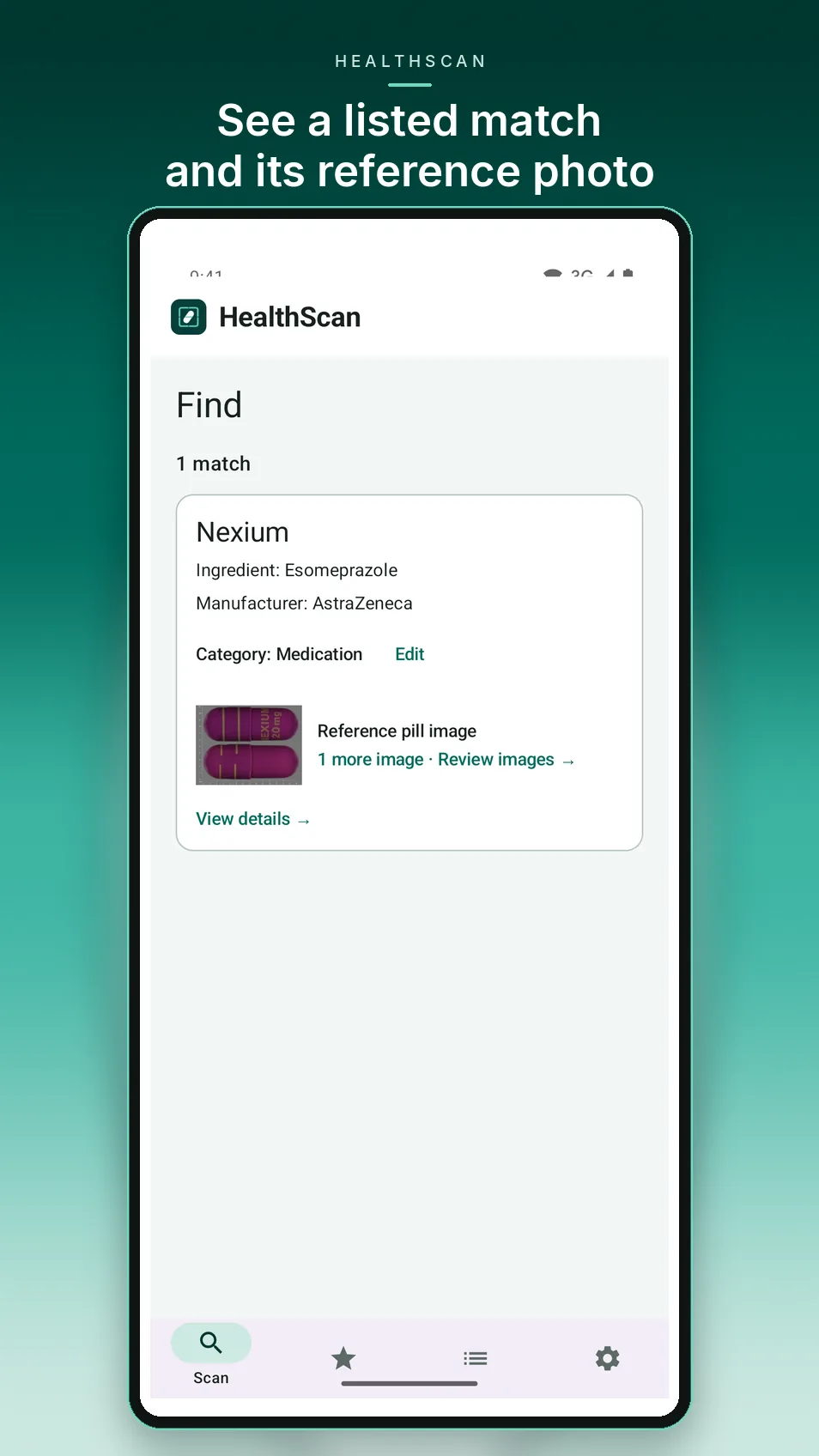
Trace the source

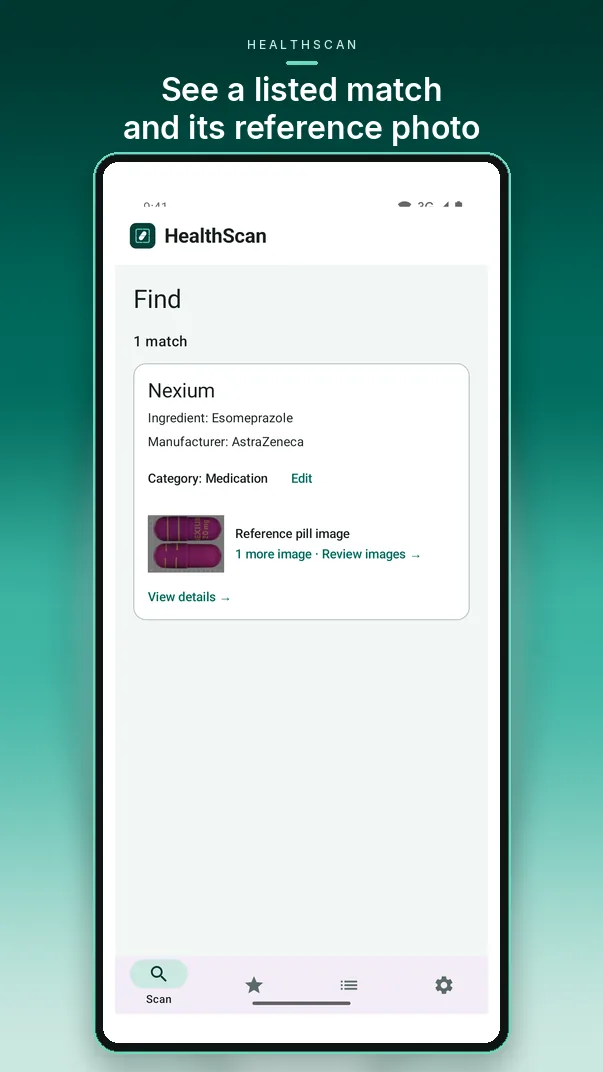
See which database returned each possible match and open its source.

HealthScan Find results showing a listed Nexium match with its source details and reference pill image
3

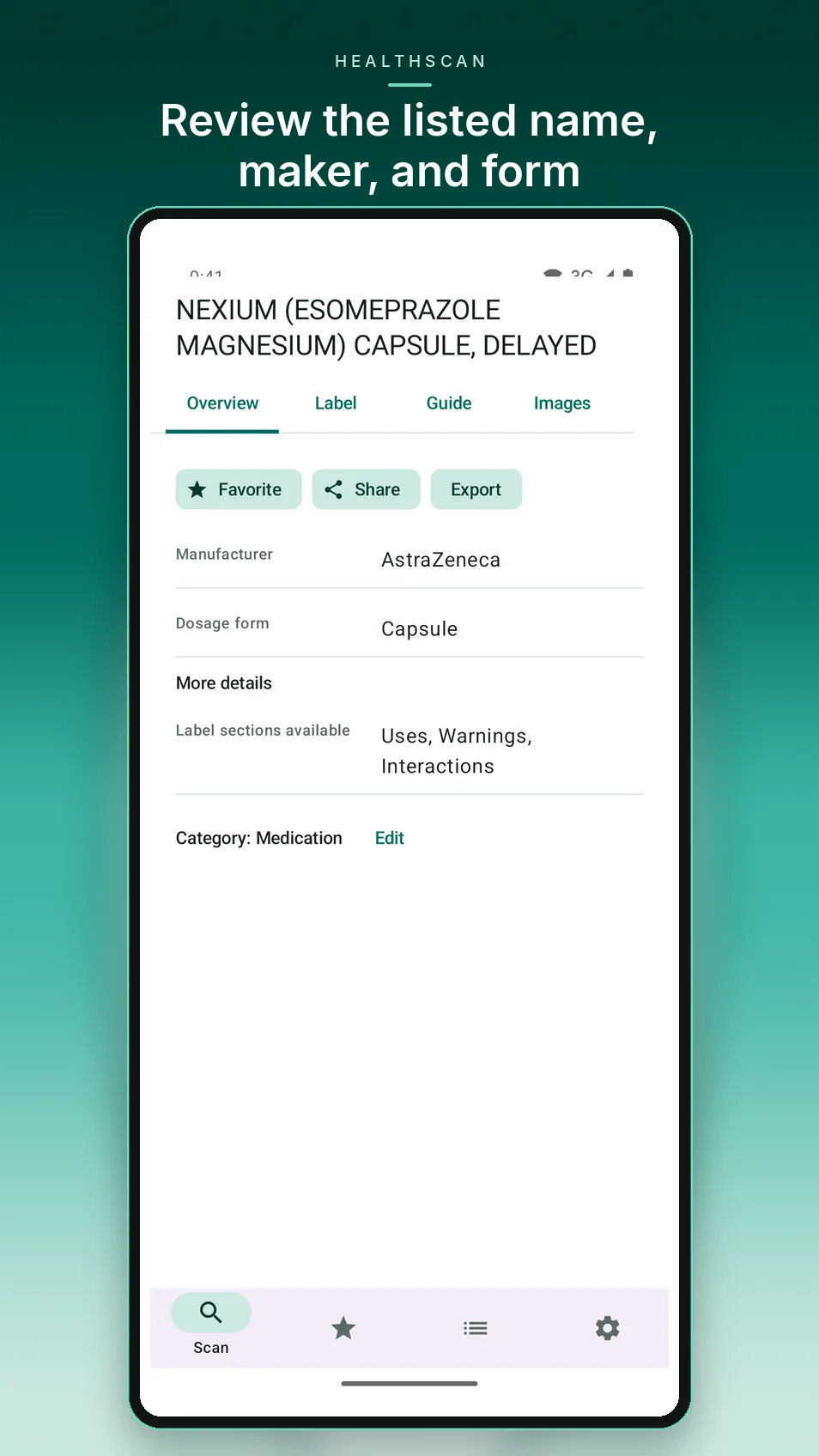
Review before you save

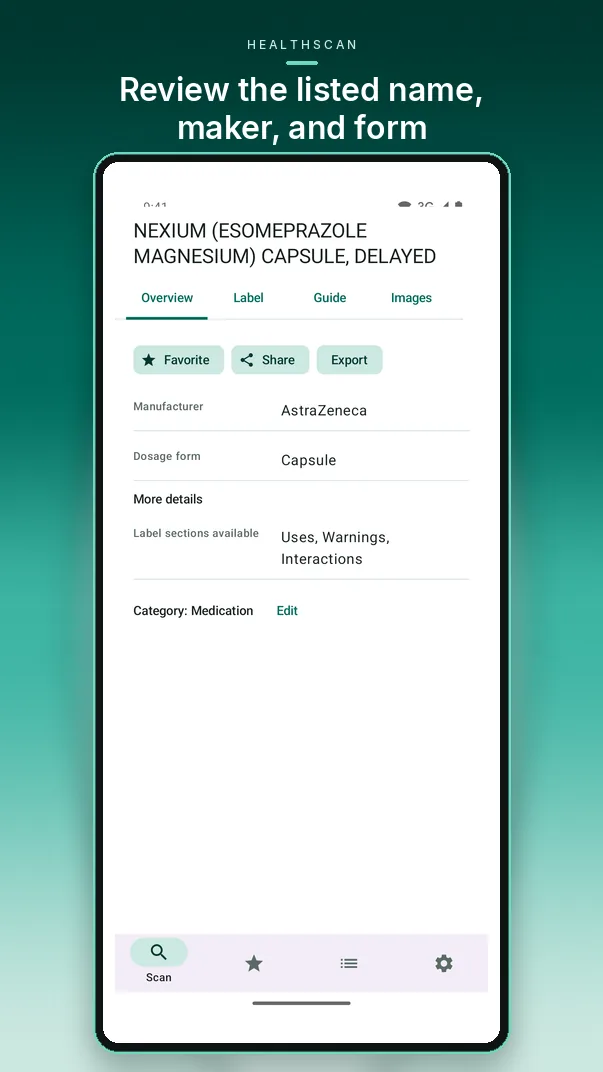
Compare identifiers and details, then save or export the result you choose.

HealthScan medicine detail overview showing the listed name, maker and form with save, share and export options
REFERENCE DATA

Public sources, clearly labeled

Depending on the product, results may come from these connected reference sources. Each has its own coverage and authority, and HealthScan shows which one a result came from.

MedlinePlus — official medicine guide

Plain-language drug information from the U.S. National Library of Medicine at medlineplus.gov. When HealthScan finds a matching entry, the Guide tab on a medicine's details shows MedlinePlus patient information and links to the full MedlinePlus drug page.

NIH Dietary Supplement Label Database — official supplement facts

Supplement label information from the NIH Office of Dietary Supplements at dsld.od.nih.gov. When HealthScan finds a matching label by UPC or name, it shows the Supplement Facts on the record: serving size, listed ingredients including vitamins and minerals, amounts, and % Daily Value when the NIH record includes them.

FDA NDC Directory (openFDA)

Labeler-submitted drug listings for exact package-code searches.

NLM RxNorm

U.S. National Library of Medicine drug names and code mappings.

DailyMed

Drug-label information (SPL) hosted by NLM, including label sections and images.

Open Food Facts

Open, community-contributed records for packaged-food barcodes.

FDA Animal Drugs @ FDA

Veterinary drug name and sponsor candidates for most approved animal drugs.

Inclusion in a reference database does not mean a regulator verified a listing or approved a product, and a database match does not verify the physical product in your hand. Always compare results with the package.

SEE HEALTHSCAN IN ACTION

A closer look at the app

Real HealthScan 0.2.4 Android screens with live lookups, shown in the same images as the Google Play listing.

PLANS

Free to start, Premium when you scan more

Database name and code lookups, history and on-device text recognition are included for everyone and do not use AI allowances.

Basic

Free

  • Barcode, code and name lookups
  • On-device label reading, history and exports
  • 10 AI-assisted analyses included

Premium

Monthly or yearly subscription through Google Play

  • Everything in Basic
  • Up to 500 AI-assisted analyses per month
  • Manage or cancel anytime in Google Play

Information to review, not medical advice

HealthScan organizes product information from the sources it shows. It does not diagnose, recommend treatment, or identify a medicine from appearance alone. Confirm details with the package and talk with a pharmacist, doctor or veterinarian before making health decisions. Learn how scans and optional AI processing are handled in the HealthScan privacy policy, or visit BrightInside app support.

Scan smarter. Review with confidence.

HealthScan AI is now available on Google Play.

View on Google Play ↗